AI Highlight Detection
Find kills, reactions and key moments automatically — across every game you play.
AI finds your best moments, edits them, adds subtitles, and exports for TikTok & YouTube — straight from your desktop.
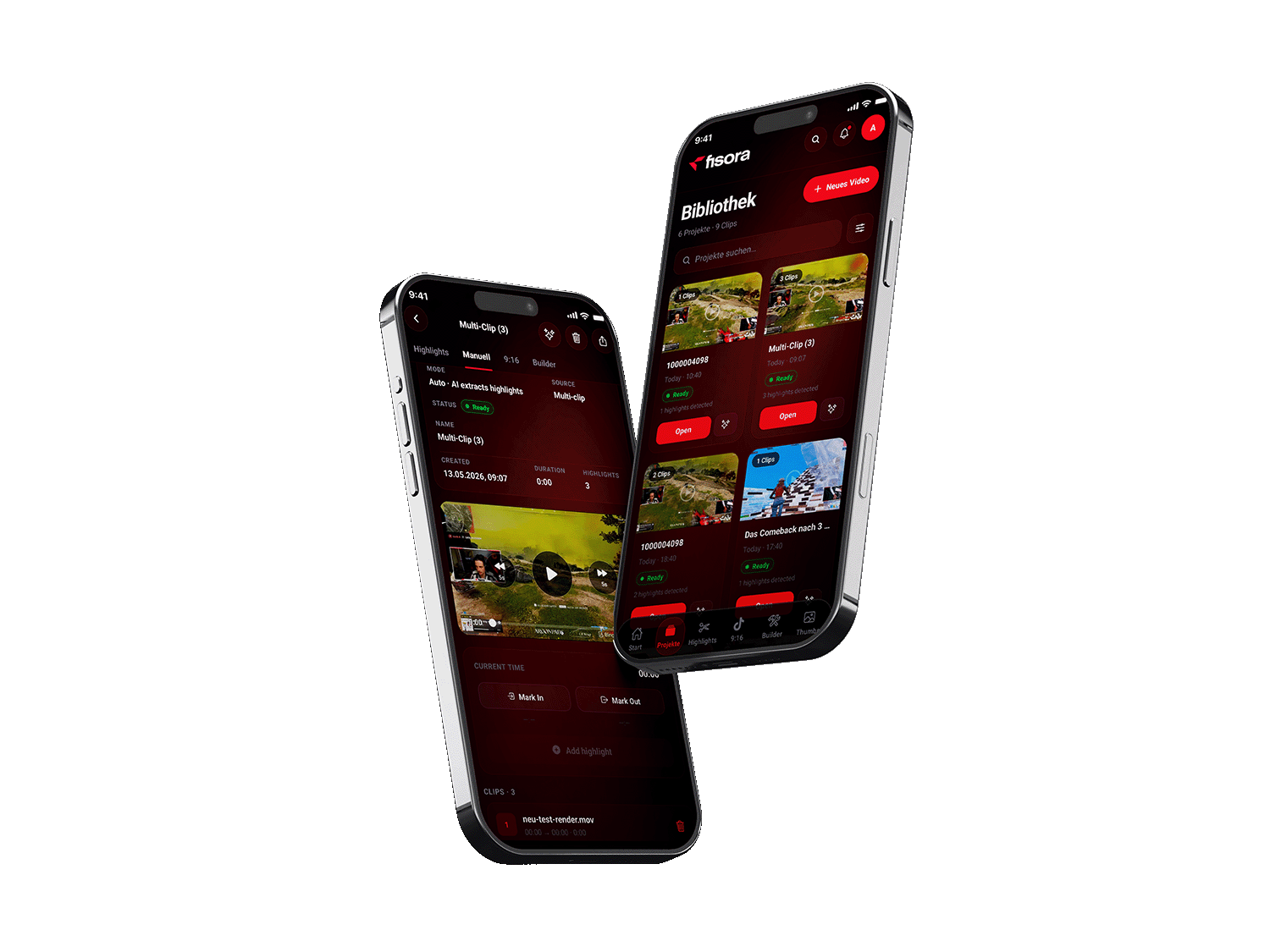
Subtitles ready
Smart Cut
Exporting 9:16
Clutch detected
Viral score
Hook at 0:01.2
AI scanning…
Trending sound
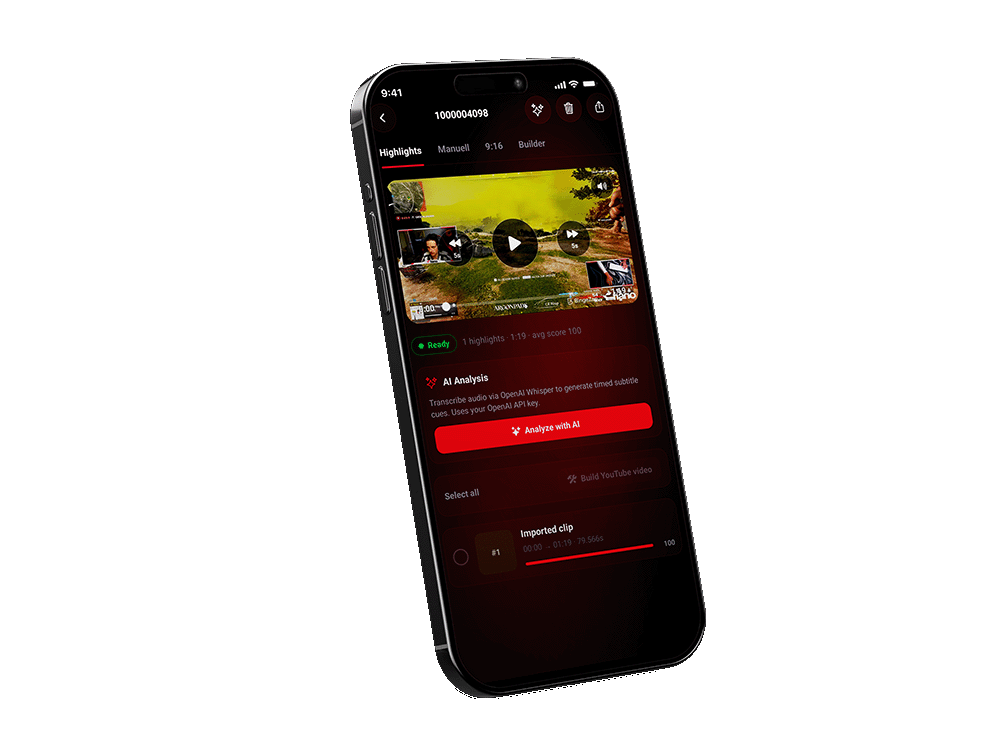
Find kills, reactions and key moments automatically — across every game you play.
Cut, trim, and combine clips with precision. Frame-accurate edits powered by AI suggestions.
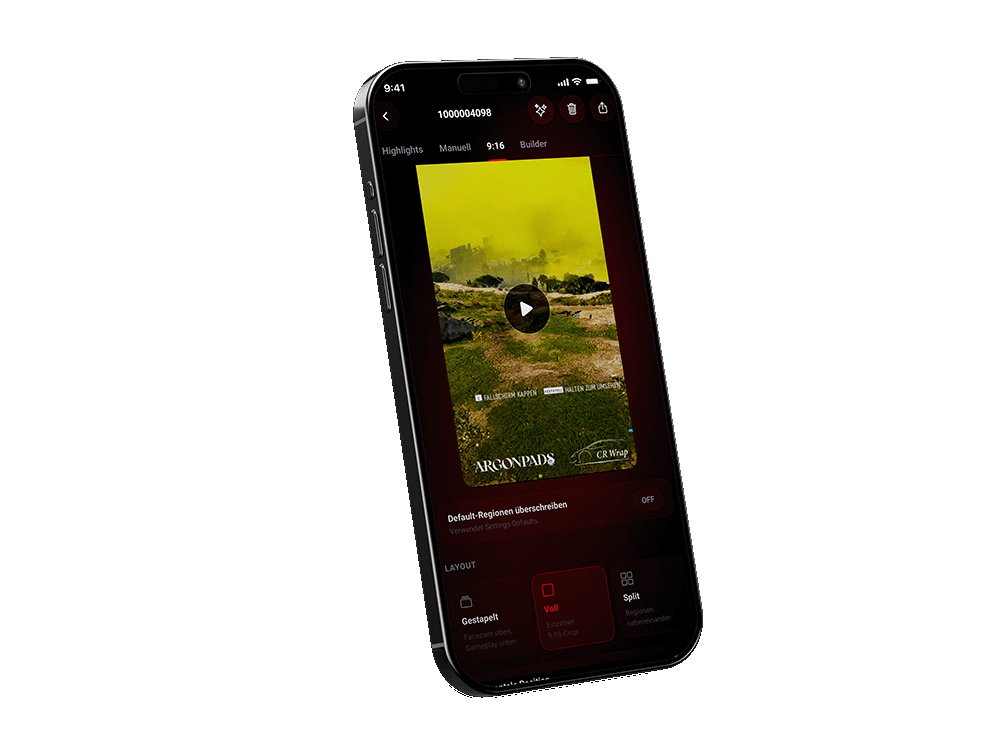
Perfect formats, perfect sizes. 9:16, 16:9, 1:1 — no editing knowledge needed.
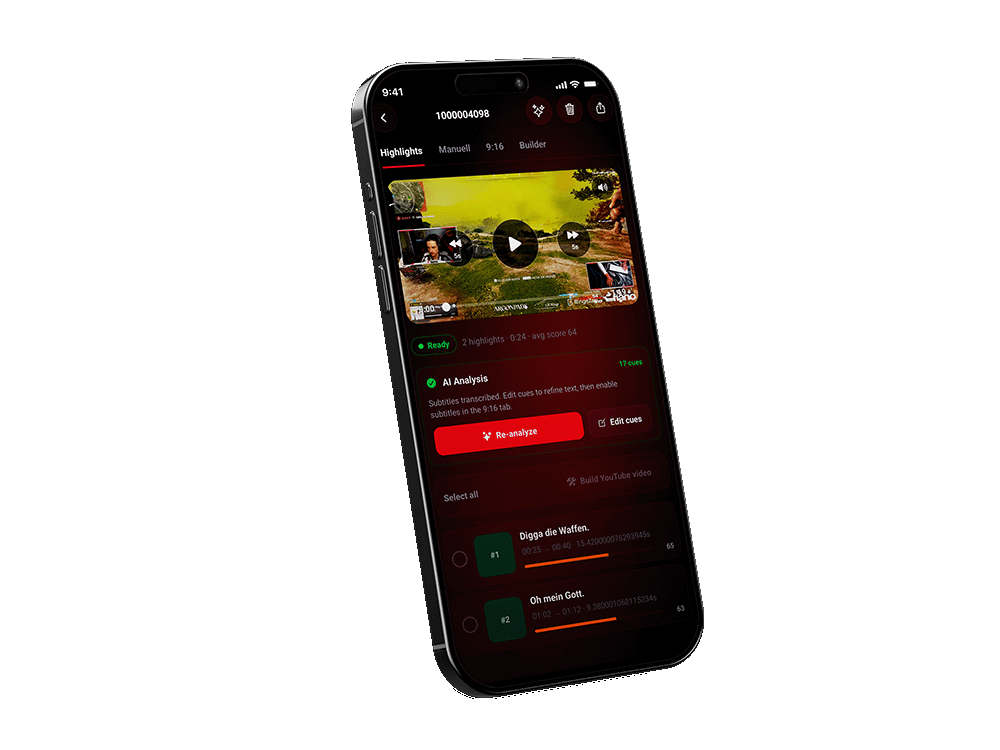
Auto subtitles with word-level highlights, custom fonts, animated reveals and styling.
Make clips smoother, sharper, more viral. Speed ramps, zooms and cinematic blur.
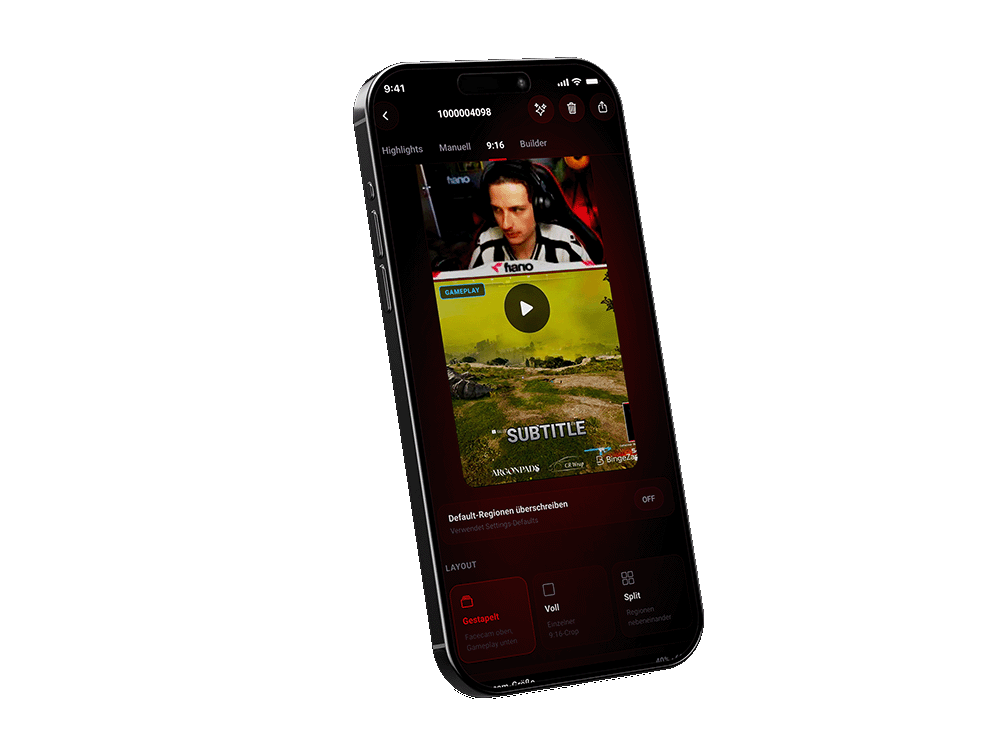
Full control over position, scale, and layout. Drag, snap, and design viral compositions.
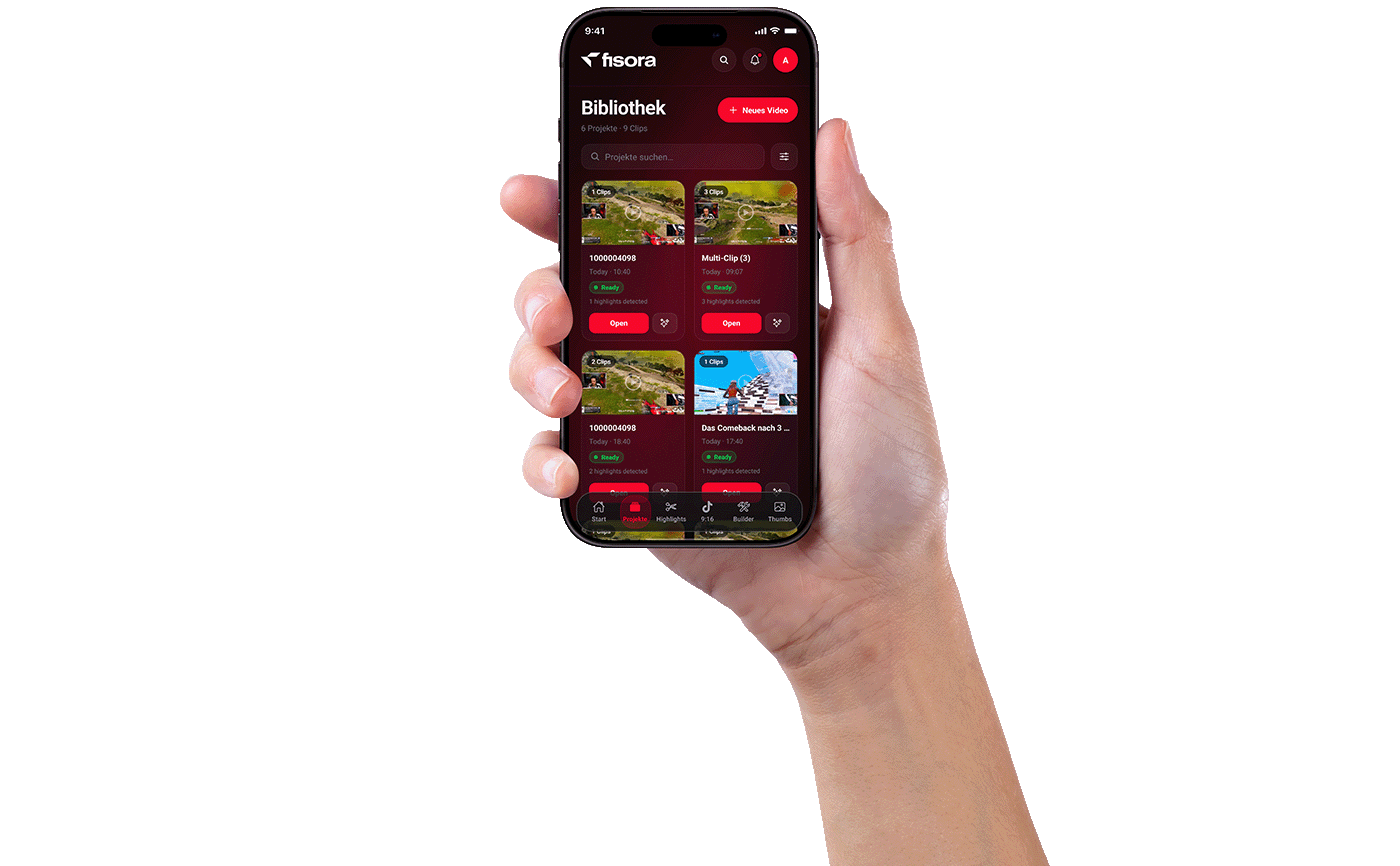
Turn raw gameplay into shareable moments, not chores. Put your best plays in front of the people who hold our gaming communities together. Every feature exists for one reason: to make sure your moments actually reach the people who want to see them. We've sat through every step of the workflow ourselves — finding the moment, cutting the clip, mixing the audio, exporting for three different platforms. So you can spend your time on the only part that actually matters: playing the games you love and showing the world what you can do.
Gary Founder
Upload your face. Pick a style — Fortnite, Warzone, Valorant, MrBeast. Fisora generates a thumbnail that looks like it came straight from a top creator.
INSANE 1v4 CLUTCH!!
NEW META BROKEN??
RADIANT IN 1 DAY
Subscribe monthly or pay once for lifetime. Bring your own AI keys and keep full control.
For 9:16 creators.
Get CreatorFor full-time creators, streamers, and agencies.
Get ProPay once, unlock forever.
Buy LifetimeAI features require your own API keys (OpenAI, Gemini, etc.) billed separately by providers.
Fisora handles the cuts, captions and exports. You keep the vision — and every second you'd otherwise lose to the timeline.
Everything runs locally. No cloud upload, no telemetry, no black-box subscription. Bring your own AI keys and edit at the speed of your GPU.
Drag & drop any clip — 4K, 1080p, 60fps. Fisora works on your machine, no upload to the cloud.
Every kill, clutch, win and reaction — surfaced in seconds. You choose what makes the cut.
One click to TikTok, Reels, Shorts or YouTube. Captions, formatting, branding — all done.
Yes. Bring your own keys for OpenAI, Gemini, or any LLM you trust. Fisora calls them straight from your machine — we never see them.
All local features (editing, exporting, layout) run fully offline. AI features need an internet connection because they call your chosen provider's API.
Auto-detection ships for Valorant, Warzone, Fortnite, CS2, Apex Legends, League, Rocket League and Overwatch. Manual highlights work on anything you record.
Yes. Creator and Pro are monthly with no contract — cancel inside the app any time. Studio Lifetime is a one-time purchase, no renewals.
Your videos stay on your machine. They never get uploaded to our servers. Only the prompts you send through your own AI keys reach those providers — same as if you used the APIs directly.
Yes, anytime. You're only charged the difference. If you go Studio Lifetime, we credit the months you already paid on Creator or Pro.
Yes — 7 days, full feature access, no card required. After the trial Fisora keeps your projects but locks paid features until you pick a plan.
One license covers up to two active devices per user (e.g. desktop + laptop). Swapping devices is one click in your account.
macOS 13+ on Apple Silicon, or Windows 11 with a modern NVIDIA / AMD GPU. 16 GB RAM minimum, 32 GB recommended for 4K work.
Yes — 5+ seats get shared assets, central billing and priority support. Hit "Report a bug" or "Contact us" and we'll set you up.
Connect your TikTok, YouTube and Instagram accounts once under Settings → Accounts. After that, one-click publish lives on the export screen.
Bi-weekly minor releases, monthly feature drops. Pro and Studio Lifetime get the early-access channel — try things a few weeks before everyone else.
Join thousands of creators using Fisora to ship clips faster, smarter, and louder.